 10.0.0.0.1
What is 10.0.0.1?
10.0.0.1 is a private IP address that many routers, modems and Piso WiFi vending machines use as their default gateway. When you type it into your browser while connected to that network, it opens the device’s admin or user portal.
What can you do at 10.0.0.1?
- Change your WiFi name (SSID) and password
- Pause, resume or check remaining Piso WiFi time
- See connected devices and block unknown users
- Update firmware and security settings
10.0.0.1 vs 10.0.0.0.1: which is correct?
The correct address is 10.0.0.1. “10.0.0.0.1” has five parts, so it’s not a valid IP and won’t load. Many people type it by mistake, so double-check the address bar.
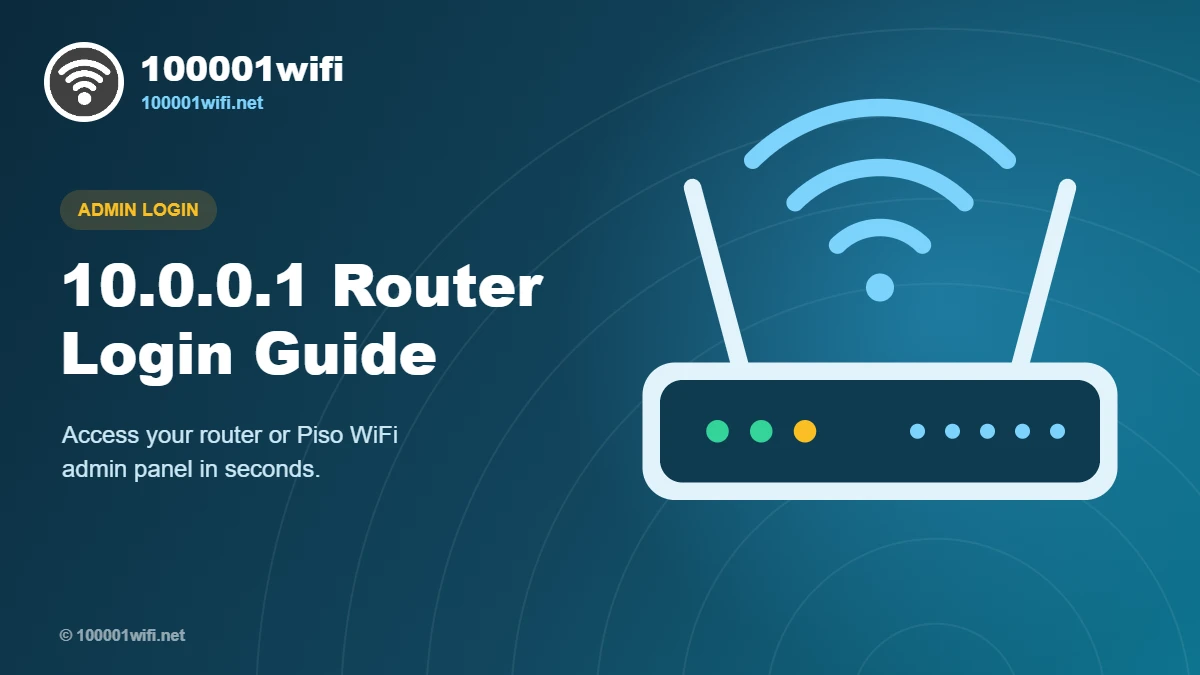
How to Login to 10.0.0.1 Admin Panel
Use these steps on a phone, laptop or PC. It takes less than a minute.
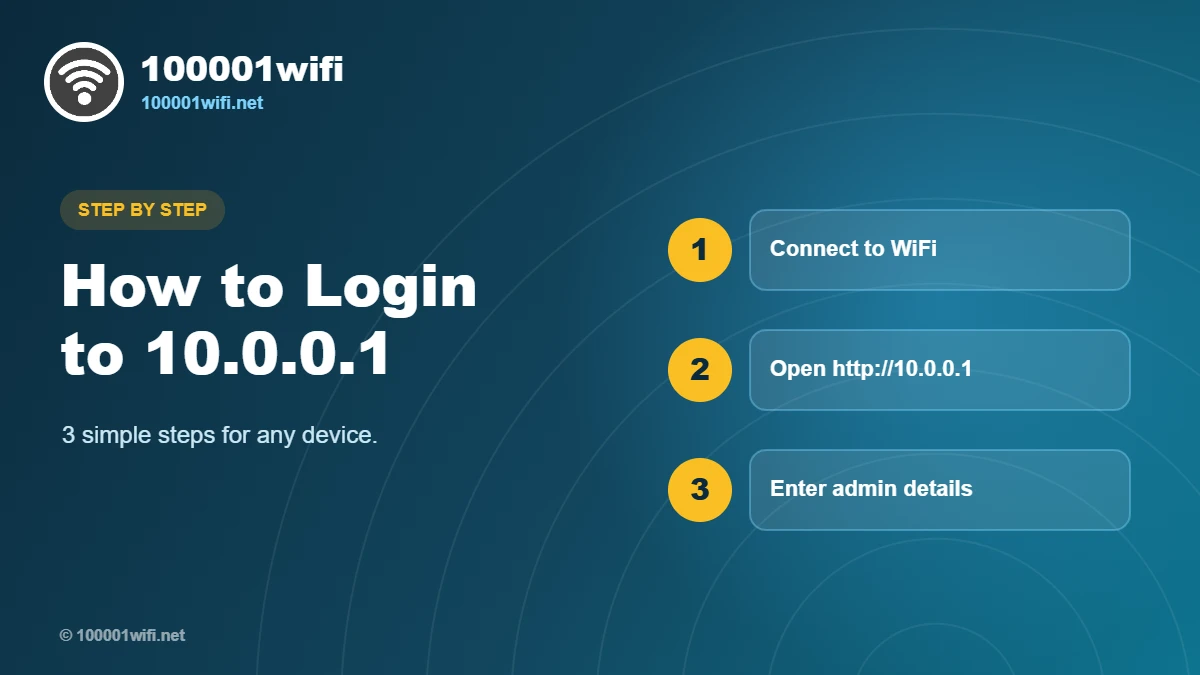
Connect to the network
Join your router’s or Piso WiFi’s network using WiFi or a LAN cable. 10.0.0.1 only works from inside that network.
Open http://10.0.0.1 in your browser
Type the address in the URL bar, not the Google search box. For the Piso WiFi admin page, use 10.0.0.1/admin.
Enter the username and password
Use the details on your router’s sticker or from the table below. Change the default password after your first login.
10.0.0.1 Piso WiFi Pause Time
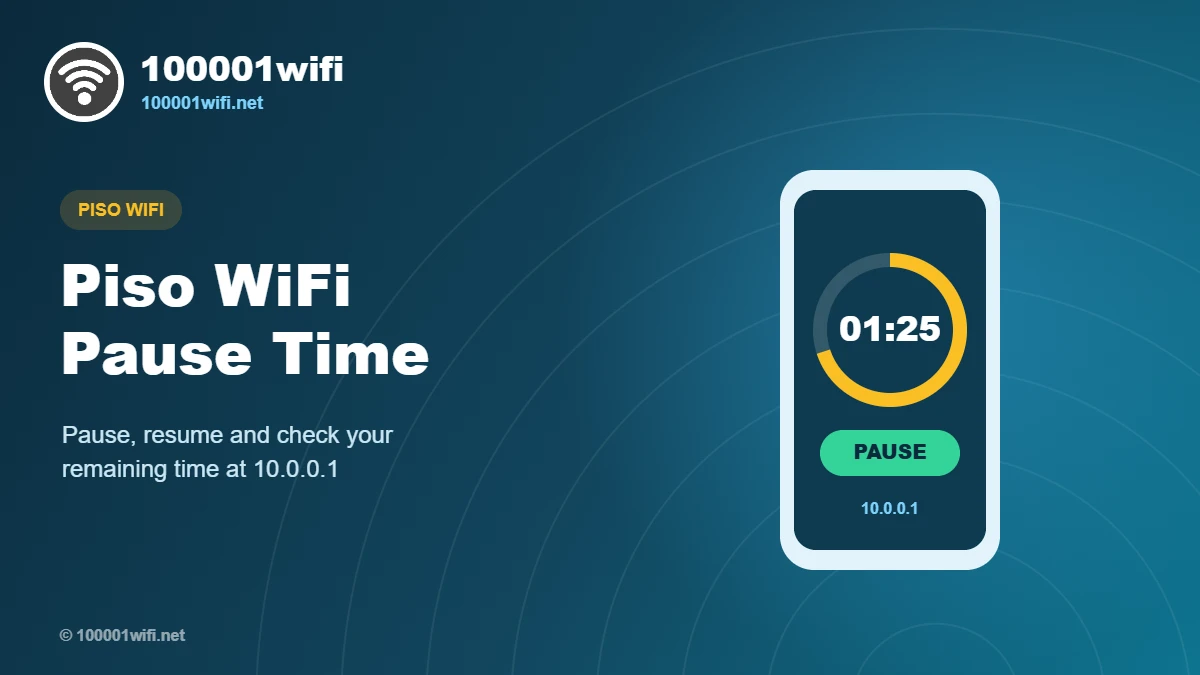
Piso WiFi machines let you buy internet time with coins. The 10.0.0.1 user portal lets you pause your session so you don’t waste unused minutes.
How to pause Piso WiFi time
Connect to the Piso WiFi network, open 10.0.0.1, and tap Pause Time. Your remaining time is saved for later.
How to check remaining time
Your balance appears on the portal home screen after you open 10.0.0.1. Refresh the page to see the latest time.
How to resume your session
Reconnect to the same network, open 10.0.0.1 again and tap Resume or Connect.
Default Router Username & Password
Common factory defaults by brand. Your device’s sticker always has the final say.
| Brand | Login IP / URL | Username | Password |
|---|
10.0.0.1 Not Working? Try These Fixes
If the login page won’t open or your password is rejected, work through these fixes in order.
Check your connection
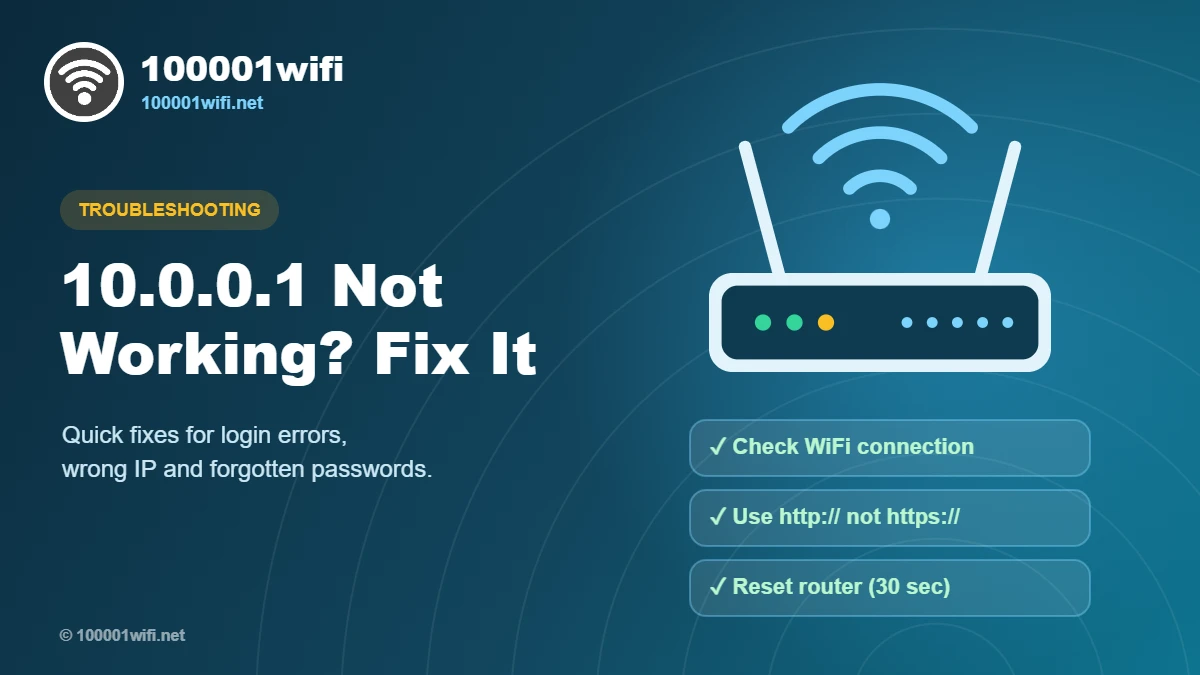
Make sure you’re connected to the right WiFi network, not mobile data.
Type the IP correctly
Use http://10.0.0.1, not https or 10.0.0.0.1, and type it in the address bar.
Restart the router
Unplug it for 30 seconds, plug it back in and wait 2 minutes before trying again.
Clear browser cache
Try an incognito window or a different browser to rule out old cached pages.
Find your real gateway IP
On Windows run ipconfig; on Android or iPhone check WiFi details for the router/gateway address.
Factory reset (last resort)
Hold the reset button for 10–30 seconds. This restores default login details and erases your settings.
Frequently Asked Questions
What is the 10.0.0.1 admin password?
It depends on the brand. Many routers use admin/admin or admin/password, but check the sticker on your device. Piso WiFi admin passwords are set by the machine’s owner or vendor.
How do I open 10.0.0.1/admin for Piso WiFi?
Connect to the Piso WiFi network, type 10.0.0.1/admin in your browser and log in with the operator credentials provided by your vendor.
Why does 10.0.0.0.1 not work?
An IPv4 address has only four parts. 10.0.0.0.1 has five, so it isn’t valid. Use 10.0.0.1 instead.
Can I change my WiFi password at 10.0.0.1?
Yes. Log in, open Wireless or WiFi settings, enter a new password and save. Reconnect your devices with the new password.
Is 10.0.0.1 safe?
Yes. It’s a private address that only works inside your own network. Keep it secure by changing the default admin password.
Ready to log in to your router?
Connect to your network and open the admin panel. Bookmark 100001wifi.net for quick help any time.